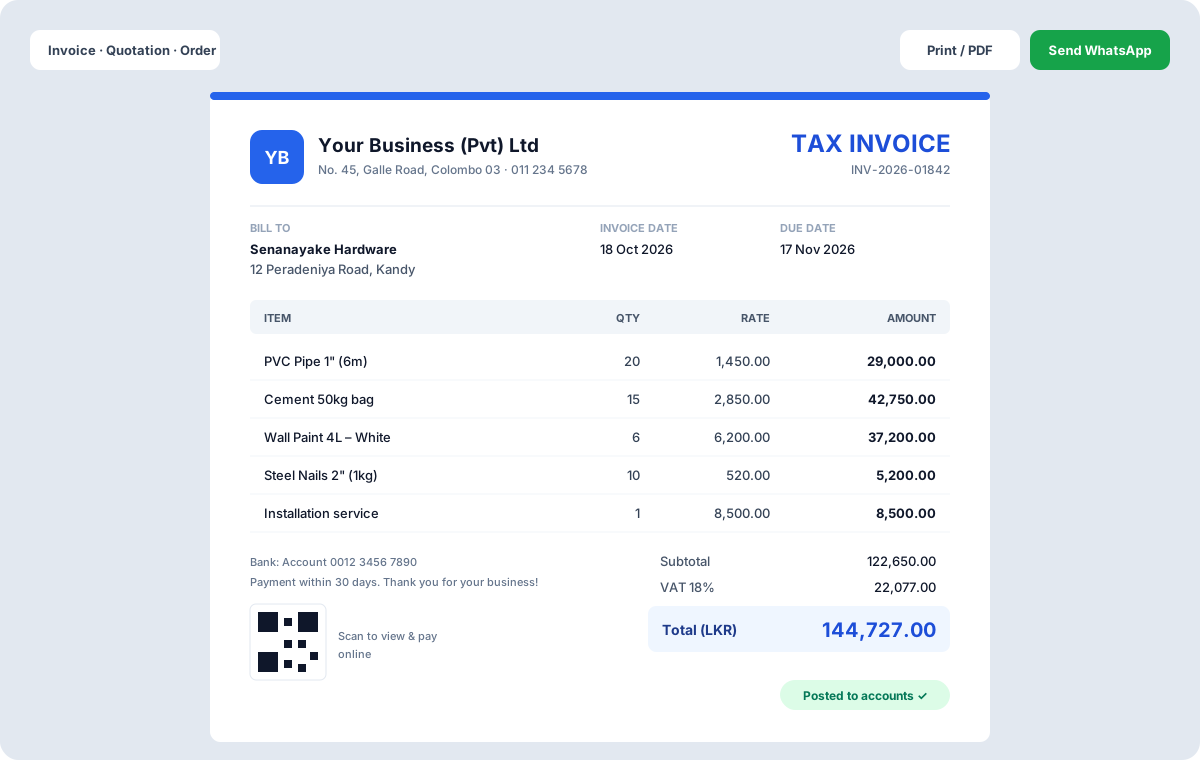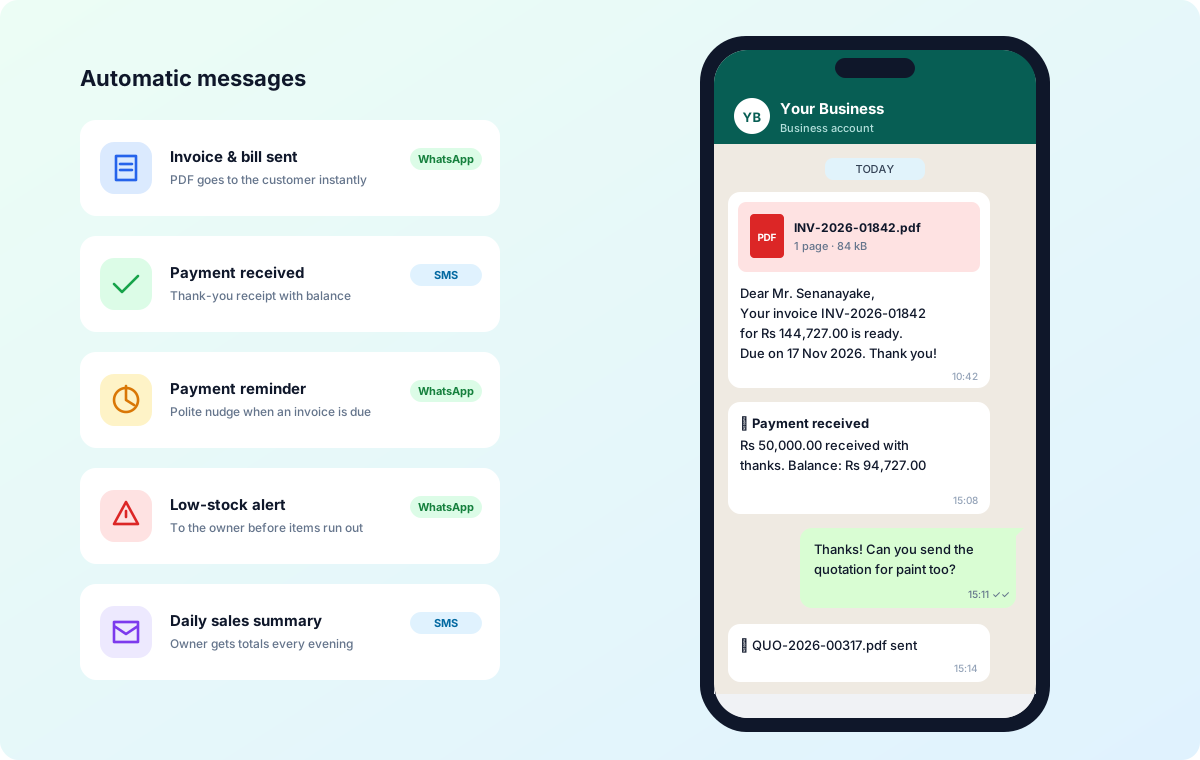
Send invoices, receipts, reminders and statements from your own WhatsApp number, your own SMS gateway and your own business email — messages always come from your brand. A setup checklist shows what's connected and every message is logged, including why one wasn't sent.
Connect your business's own WhatsApp number by scanning a QR code, your own SMS gateway from any provider — a ready SMS API form or a custom HTTP link — and your own business email with its SMTP details. Every invoice, receipt, reminder and statement then goes out from your accounts, so customers always see your brand.
Always know what went out
A setup checklist shows which channels are connected. Every message is logged, and when one could not be sent the log says why, so nothing goes missing quietly.
Key Features
Benefits for Your Business
- Messages always come from your brand
- No shared numbers or senders
- Nothing fails silently
Questions
How do I start sending SMS, WhatsApp and email?
Connect your own accounts in settings: scan a QR code for your WhatsApp number, enter your SMS gateway details from any provider, and add your business email's SMTP details, then press Send test email. The setup checklist shows what's connected, and every message is logged, including why one wasn't sent.